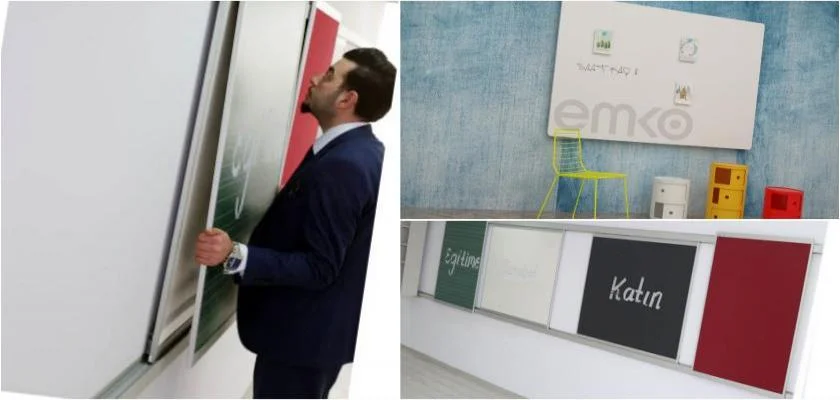
Listening to Lessons from Home with an Interactive Whiteboard
The
interactive whiteboard systems, which are the latest example of the use of the latest technology in education, are connected to the computer and appeal to students visually and tactilely. The most important feature at this point is that the board has been transformed into a computer screen. Thanks to special computer programs on the boards, subjects such as music, mathematics, geography, art, and Turkish can be processed practically and visually, making the lessons more memorable for students. Thanks to this special system, students also have the opportunity to review lessons at home via the internet on days they do not come to school. Another technological innovation that comes with interactive whiteboard systems is the special system that contains thousands of animations, questions, even pictures and films, as well as documents.
Which Programs Work with Interactive Whiteboards?
With these systems that mark a new era in education, students' interest in lessons increases, while also preventing teachers from being distracted. At the same time, by combining learning processes with visual elements, it becomes easier to explain and listen to lessons in a system where lessons are processed visually. Interactive whiteboard systems, which can work with many different file types and programs such as Excel, Word, PowerPoint, and PDF, allow all lessons to be broadcast live via conference connection over the internet from anywhere in the world. At the same time, thanks to a special password that provides remote access to the boards, dozens of classes can participate in lessons simultaneously.