How to Use Free Transcription Software
Steps to Use Free Transcription Software
Free transcription software are programs that automatically convert audio or video recordings into text. For more information about free transcription software, you can visit https://transkriptor.com/tr/. These types of programs offer great convenience, especially for journalists, academics, students, and content creators, and also positively contribute to the flow of daily life. Free transcription software is also a topic of great interest regarding the conversion of digital content into written form. These AI-powered software save time by converting conversations into text with a high accuracy rate.
Advantages of Free Transcription Software
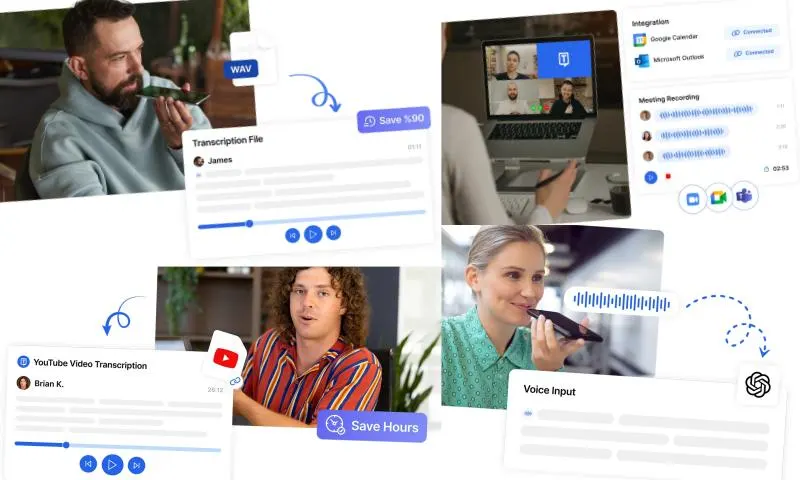
Free transcription software generally has user-friendly interfaces and can be easily used with basic steps. First, you should choose a free transcription program that suits your needs. For example, popular options such as Otter.ai, Sonix, Happy Scribe, or the voice typing feature of Google Docs are available. You can start the process by uploading your audio or video file through the program's interface. The program analyzes the audio with AI support and converts conversations into text. Minor errors may occur during the automatic transcription process. You can review the text, correct incorrect words, and check the context of the text. You can save and share the transcribed text in TXT, DOCX, or PDF format. Free transcription software offers significant advantages, especially for users with limited budgets. While manual transcription can take hours, automatic programs can reduce this time to minutes. Free options allow everyone to benefit from these services. Many programs can also convert audio in different languages into text. You can increase the accuracy rate by making quick changes to the text. Using free transcription software is also quite simple. By choosing the right program, you can quickly and efficiently convert your audio recordings into text and make your work more professional.