
What is the Google Meet Recording Feature?
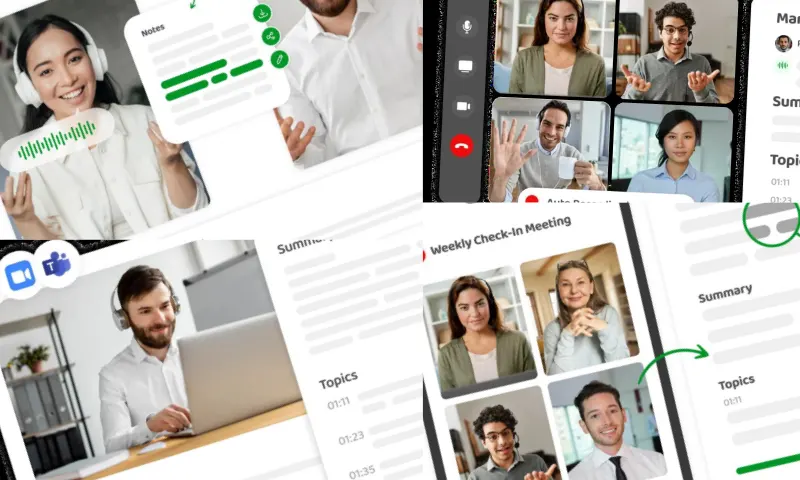
How to Record a Google Meet Meeting?
Google Meet recording offers users a great platform for organizing online meetings and classes. Recording a meeting is very useful for reviewing it later or sharing it with other participants. However, it is important to remember that this feature is only available on certain plans. The recording feature is available for Google Workspace users, and this feature is not available by default for personal accounts. During the meeting, the screen, audio, and presentations are recorded to create a video file. This is an excellent tool, especially for educators and professionals. For more information about Google Meet recording, you can visit the website https://meetingtor.com/tr/.
What are the Advantages of the Google Meet Recording Feature?
Google Meet recording is a popular video conferencing platform frequently used in remote work and education. Recording your meetings to watch or share later is important for many users. To record in Google Meet, you must be the meeting organizer or the person who organized the meeting must be a user from the same organization. Only Google Workspace users can access this feature. You can select the "Start recording" option by clicking the three-dot menu in the bottom right corner during the meeting. Once the recording starts, all participants receive a notification, and when the meeting ends, the recording is automatically saved to Google Drive. The Google Meet recording feature offers an effective way to document meetings. It provides an opportunity for those who could not attend to watch it later. In education, students can rewatch classes and review their notes. In the business world, recordings can be used to prepare meeting reports or evaluate strategic decisions later. Recorded meetings are stored in Google Drive, allowing access at any time. The Google Meet recording feature offers great convenience to its users, and it becomes even more beneficial when used correctly and consciously.